





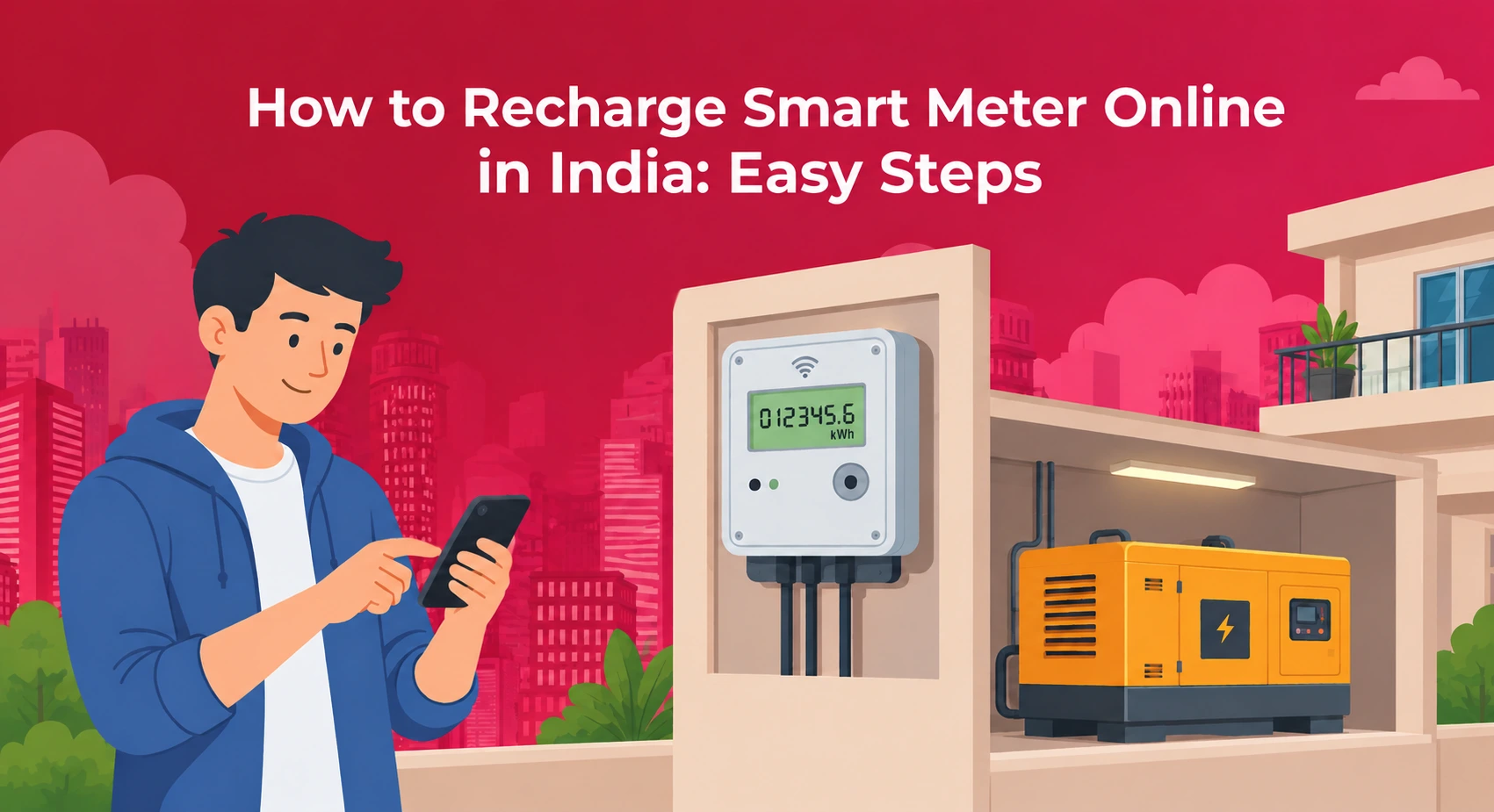


Using prepaid meters enables you to pre-pay for your power consumption, but only if you know how to charge smart meter with ease. The guide highlights the process of charging through both offline and online methods, entering a token in keypad meters, changes in apartment societies, what dual electric meters are and the calculation of charges using EB and DG meters. This guide also highlights the importance of NoBrokerHood to help societies make their utility bill payments.

How to Recharge Smart Meter Online: Step by Step
Online payment is the fastest option and works at any hour. To make it even more convenient, keep a recent bill or the sticker near your meter.
- Find your consumer number, account ID or meter number. It is printed on your bill, your last receipt or the meter.
- Open your state utility app or website. Tamil Nadu has the TANGEDCO app, Uttar Pradesh has the UPPCL Smart App, and Bihar has the Suvidha Bihar app. PhonePe, Google Pay and Paytm also list electricity boards.
- Choose Electricity, then Prepaid or Smart Meter recharge, and pick your state or discom.
- Enter the number and check that the name and address match your account.
- Type the amount and pay by UPI, net banking, debit card, credit card or wallet.
Whether you are a tenant or an owner, this is how to recharge electric meter online for any prepaid connection. It is also how to recharge smart meter accounts in most states, though screen names change from app to app.
After payment, the meter type decides what happens. A smart meter usually gets its credit from the supplier over the network, so you can stop there, but a keypad meter needs a token.
How to Recharge Prepaid Electricity Meter with a Token?
If you wonder how to recharge prepaid electricity meter units after paying, look for an SMS, an app notification or a receipt. Token meters send a number of 20 to 32 digits.
- Stand at the meter keypad.
- Type the digits slowly, one block at a time.
- Press Enter, or the red or blue confirm button.
- Wait for the message or green light that says the units are loaded.
- Check the balance. Most meters have a display button, and some use a short code from the manual. 009 works on many standard models.
Once you know how to recharge electric prepaid meter units this way, it takes a few minutes.
What if the token is rejected?
Compare each digit with the SMS and try once more. Tokens are single-use, so do not re-enter one that has already been loaded. If it still fails, call your discom helpline with the payment receipt.
How to Recharge Electric Prepaid Meter Offline?
Not everyone knows how to recharge electric meter online, and that is fine. Visit your local discom office, an authorised service centre or a collection counter. These centres take cash, cheque or card payments. Many also accept UPI.
Ask for the receipt or token before you leave. This is also the simplest way to learn how to recharge electric prepaid meter credit if you have no smartphone at hand.
How to Recharge Electricity Meter in an Apartment Society?
In many societies, each flat has a sub-meter that the committee bills or tops up. If you are wondering how to recharge electricity meter credit for such a flat, start with your society management app. Payment apps also list apartment electricity recharge. Choose your society name instead of a discom, then enter your meter number. Paytm, Airtel Thanks and NoBrokerHood all list this kind of recharge.
Tenants often ask how to recharge electric meter online when the meter is in the owner’s name. Ask the owner or committee for the consumer number and the name on the account. If you have moved in for the long term, you can also change name in electricity bill records so the account matches the person living there
Simple Habits to Avoid a Last-Minute Recharge
- Set a phone reminder for when the balance falls to about two days of use.
- Recharge before weekends and festivals.
- Keep every receipt and token SMS in one folder or chat.
- Report odd readings to the committee early.
- Treat it like a phone top-up. Once you know how to recharge smart meter balance, it becomes a routine task.
What is a Dual Electric Meter?
Once you know how to recharge smart meter. The next thing that could come to our mind is why some apartment meters show two separate readings. A dual electric meter, also called a dual source or dual register meter, records electricity from two sources or across two tariff periods.
A dual source meter tracks units from the main grid and units from a diesel generator or solar set. Apartments, hospitals and commercial buildings use it so each source is billed correctly. A dual rate meter splits the day into peak and off-peak hours. The peak rate is higher and the night rate is lower, so running a washing machine or water heater at night costs less.
A dual register meter for net metering tracks power drawn from the grid and power sent back. Some feed-in rules ask for two separate one-way meters instead.
Most of these meters keep separate kWh registers, detect the active source on their own, and have RS485, Modbus or wireless ports that send data to a building system. Apartments with a generator add one more layer, because the bill depends on EB DG dual meter working and tariff calculation.
EB DG Dual Meter Working and Tariff Calculation
An EB DG dual meter tracks two incoming sources: the state grid and the society’s diesel generator. Knowing EB DG dual meter working and tariff calculation helps you read your monthly statement line by line.
How the Meter Works?
- Source 1 is the main EB grid. While supply is on, the meter logs units in the EB register.
- Source 2 is the DG backup. When the grid fails, an automatic transfer switch or internal sensor detects the loss and the meter logs units in the DG register.
- The screen shows EB and DG kWh readings separately.
How to Calculate Your Bill?
- Subtract the previous reading from the current one for each register. That gives your EB units and your DG units.
- Run the EB units through the discom’s current slabs. Tamil Nadu domestic slabs, billed every two months, are a good example:
- 0 to 200 units: free if the two-month total is 500 or less
- 201 to 400 units: ₹4.95 per unit
- 401 to 500 units: ₹6.65 per unit
- 501 to 600 units: ₹8.80 per unit
- 601 to 800 units: ₹9.95 per unit
- 801 to 1,000 units: ₹11.05 per unit
- Above 1,000 units: ₹12.15 per unit
- Add fixed charges, meter rent and the fuel cost adjustment.
- Multiply DG units by your society’s per-unit rate. DG power is not subsidised, and rates often run from ₹22 to ₹28 or more per unit, depending on diesel price and generator capacity.
- Add the EB and DG charges, plus any common service charges. Societies often list these as CAM charges in electricity bill statements, and they cover power for lifts, corridor lights and water pumps.
Here is a quick example. A flat uses 250 EB units in two months. The first 100 are free, the next 100 cost ₹235 and the last 50 cost ₹235, so the EB energy charge is ₹470. The same flat uses 40 DG units at ₹25, which is ₹1,000. The combined bill is ₹1,470 before fixed charges. Slab rates and subsidy schemes change, so check your discom’s current tariff sheet before using these numbers.
Manage Electricity Bills with NoBrokerHood Utility Billing Software
Electricity billing involves different tasks for residents and the society’s Managing Committee. Residents need to check their bills, pay dues and keep payment records, while committee members may need to manage common-area electricity expenses, calculate charges for sub-metered consumption and track collections. NoBrokerHood’s utility billing software brings utility payments, billing records and reminders into one platform, helping simplify these tasks for residents and society management teams.
For Residents
- Convenient bill payments: Residents can access eligible electricity bills through the NoBrokerHood app and pay using supported payment methods.
- Multiple Payment Options: Use supported payment methods such as UPI, debit cards, credit cards or net banking.
- Payment reminders: Notifications help residents keep track of upcoming or pending bills.
- Payment records: Residents can check payment status and refer to transaction details when needed.
- Smart meter visibility: Where supported by the society’s setup, smart meter integration can help make electricity consumption information easier to access.
For the Managing Committee
- Simplified billing: Utility billing software can reduce manual work involved in generating invoices and managing payment information.
- Electricity charge calculations: For societies using internal or sub-meters, recorded readings can help the committee calculate charges according to its billing method.
- Collection tracking: Payment records help committee members identify pending dues and follow up where required.
- Common-area expense management: The committee can maintain records of electricity expenses for shared facilities such as lifts, pumps and corridor lighting.
- Better financial oversight: Centralised billing information and accounting tools help the committee review collections and expenses.
With utility bill payment and accounting information available in one place, NoBrokerHood can help residents manage payments and support the Managing Committee with billing administration.
